AEGITAS NULLVAULT
Nothing left open. Everything locked down.
PILOT OPEN NOW
FULL RELEASE TARGETED LATE JANUARY 2027
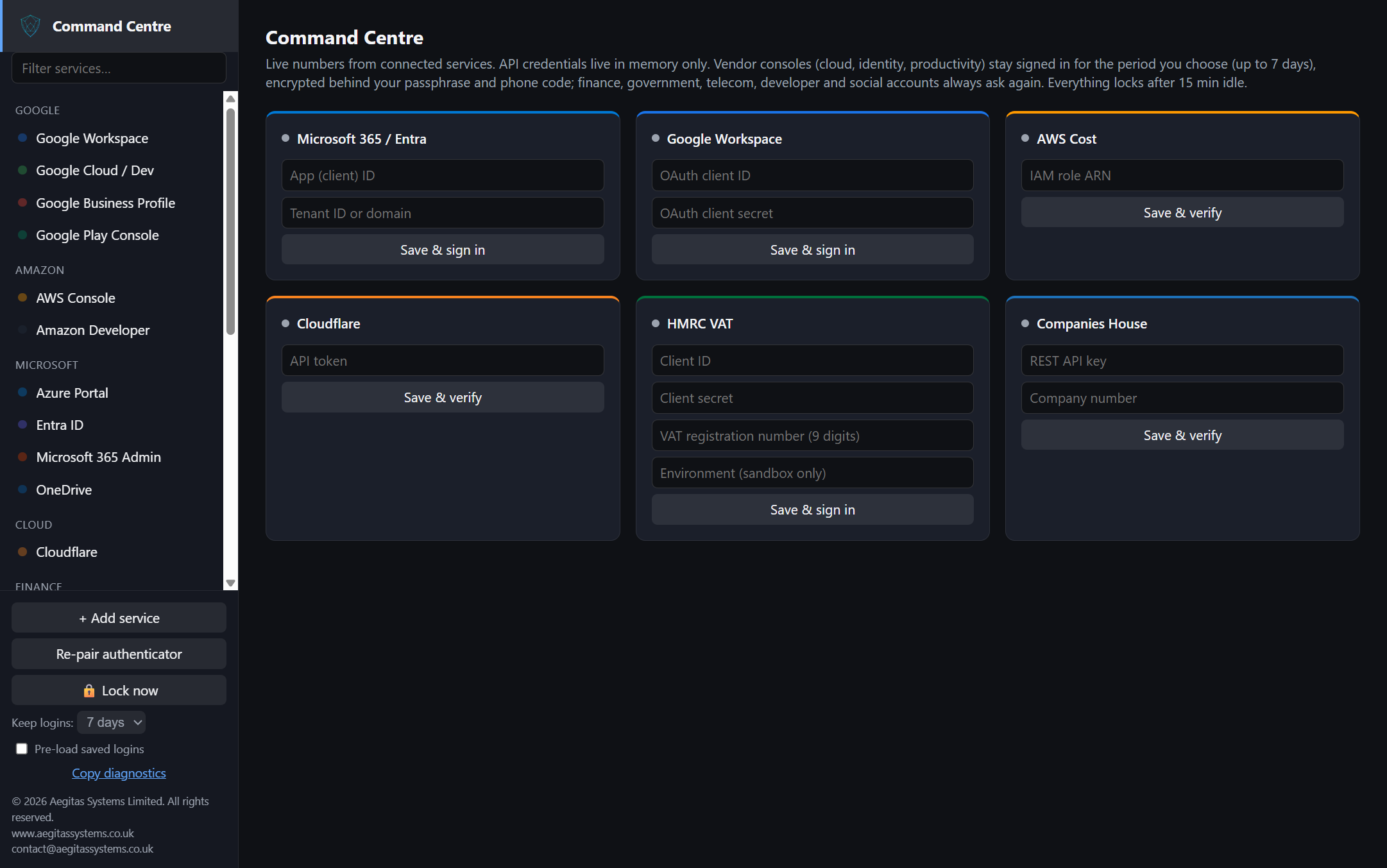
Every vendor console you administer, in one locked workspace on your own Windows PC. Each vendor gets its own isolated session. One passphrase and one authenticator code unlock the lot, and locking closes the open vendor sessions.
The problem
Administrators spend the day in a dozen vendor consoles: Google Workspace, Microsoft 365, Azure, AWS, Cloudflare, HMRC, Companies House and more. Logins end up spread across browser tabs, profiles and cloud password services, and sessions stay signed in for weeks. Every one of them is a door left open.
Aegitas Nullvault is a locked desktop workspace for the consoles themselves. It is not a password manager and not a cloud proxy.
Stateless. Wrapped. Vaulted.
Stateless
No cloud account and no standing keys. Locking closes the open vendor sessions. Optional kept sign-ins are encrypted on your device for the period you select. Nothing about your vendors lives on Aegitas servers.
Wrapped
Each vendor runs in its own isolated session. Grouped by vendor, with room for your own services.
Vaulted
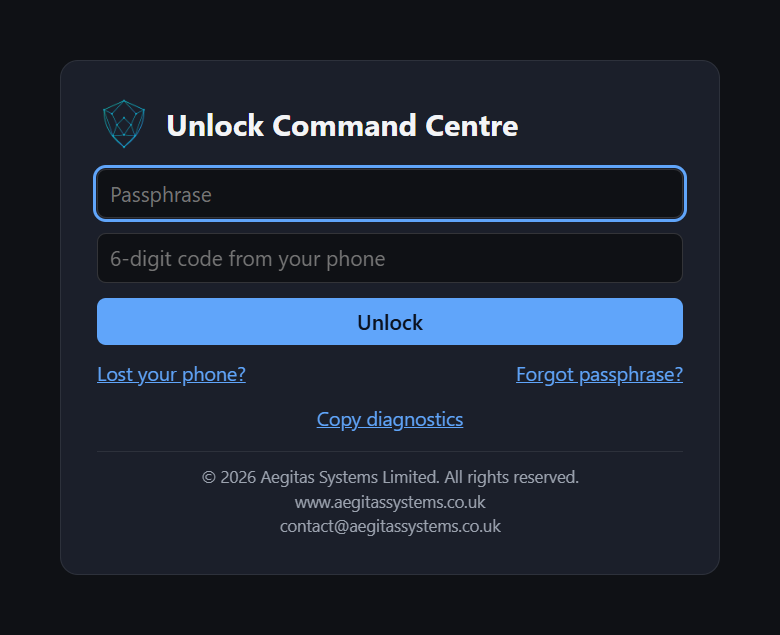
One encrypted vault on your own device, opened by a passphrase and an authenticator code. Neither alone is enough.
Unlock. Open. Work. Lock.
1
Unlock
Passphrase plus a six-digit authenticator code. Application-level attempt limits slow repeated wrong guesses; they do not replace the security of your Windows account.
2
Open
Pick a vendor. It opens in its own sealed session.
3
Work
Use the real vendor console, with status from connected services on the dashboard.
4
Lock
Open vendor sessions close and connected-service credentials are cleared from application memory. The vault stays sealed until the next unlock.
Set up in minutes
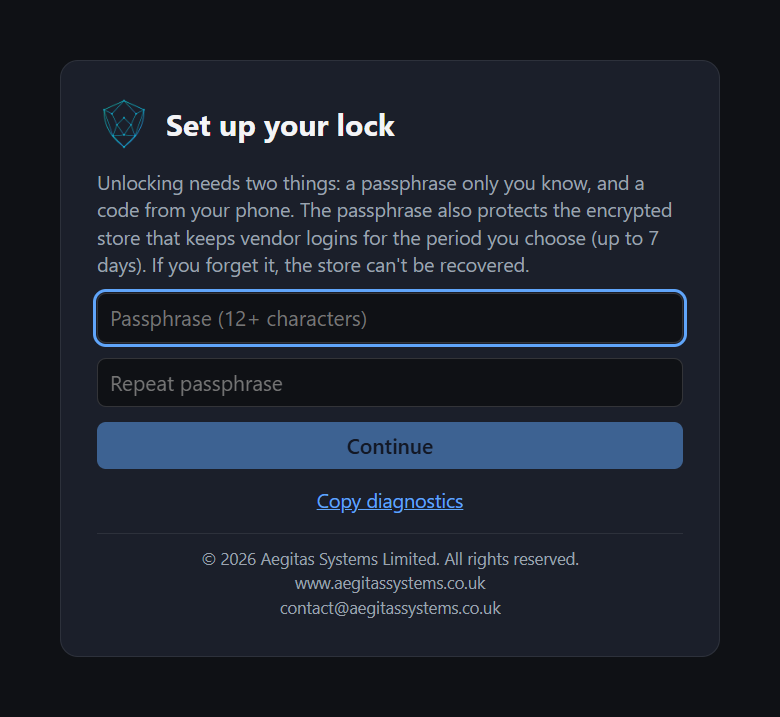
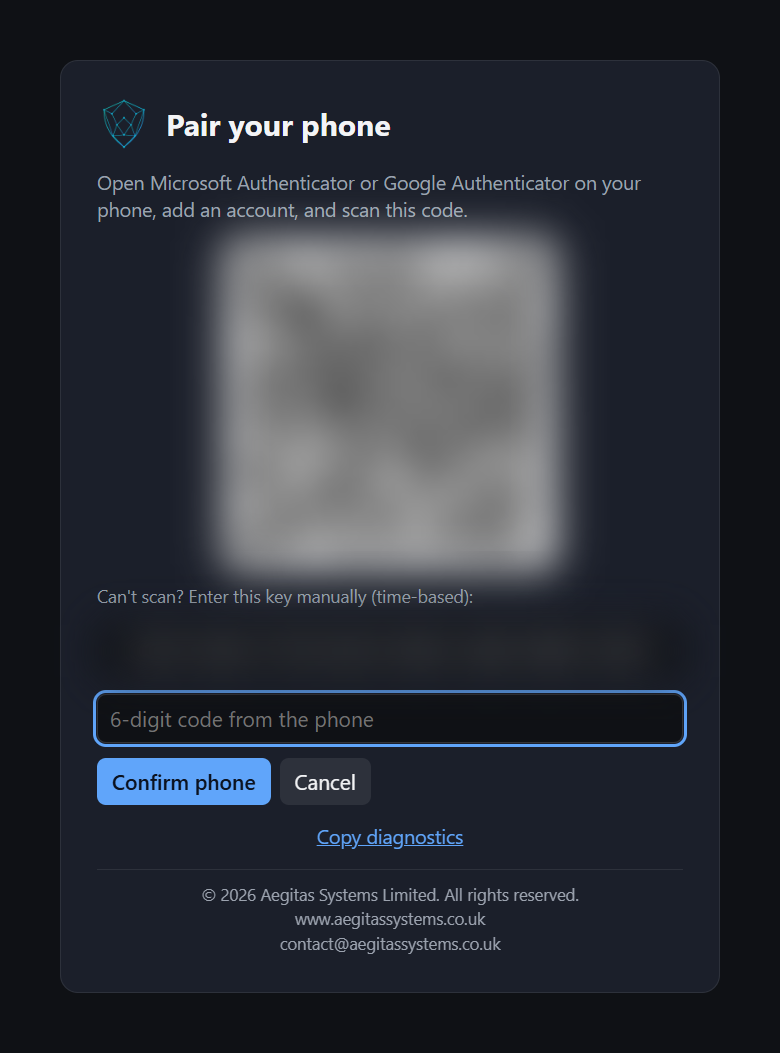
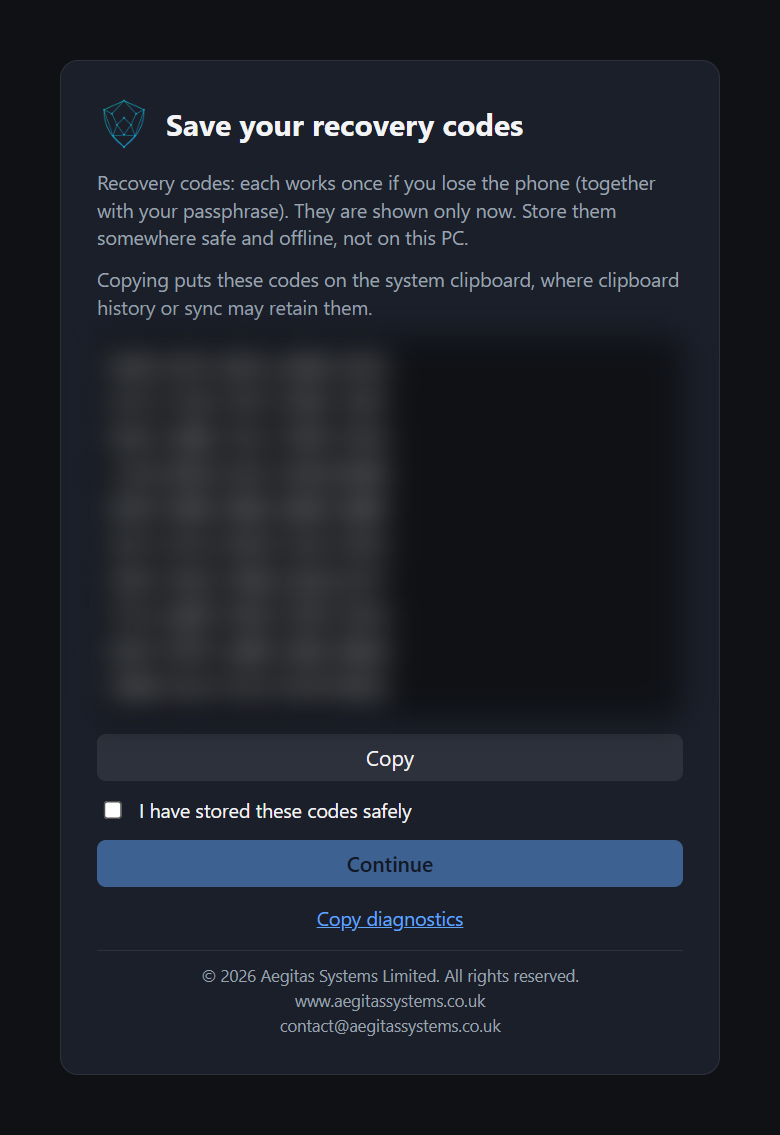
First run walks you through choosing a passphrase, pairing an authenticator app on your phone and storing ten one-use recovery codes offline. There is no account to create and nothing to register with Aegitas.
Vendors, grouped and separate
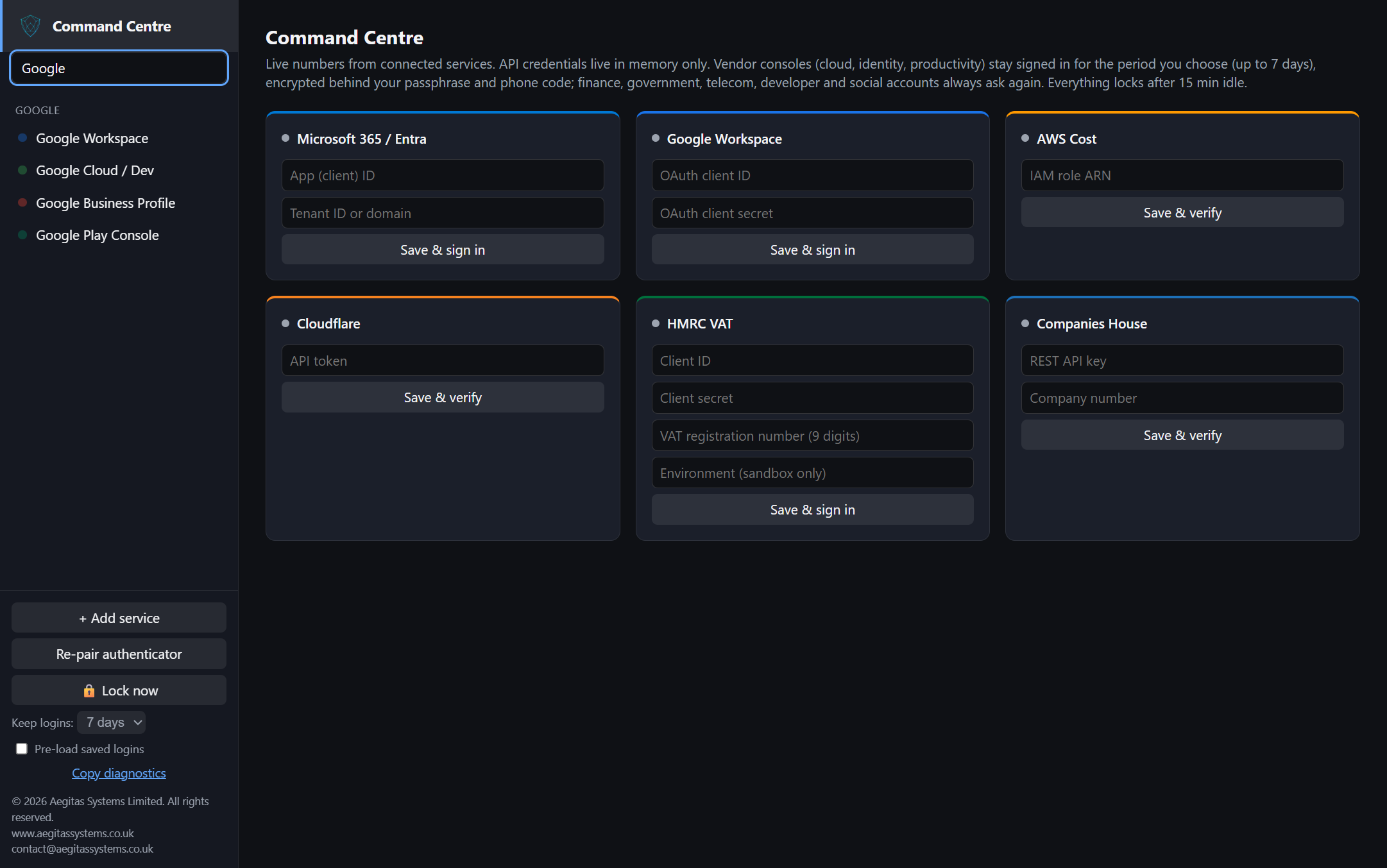
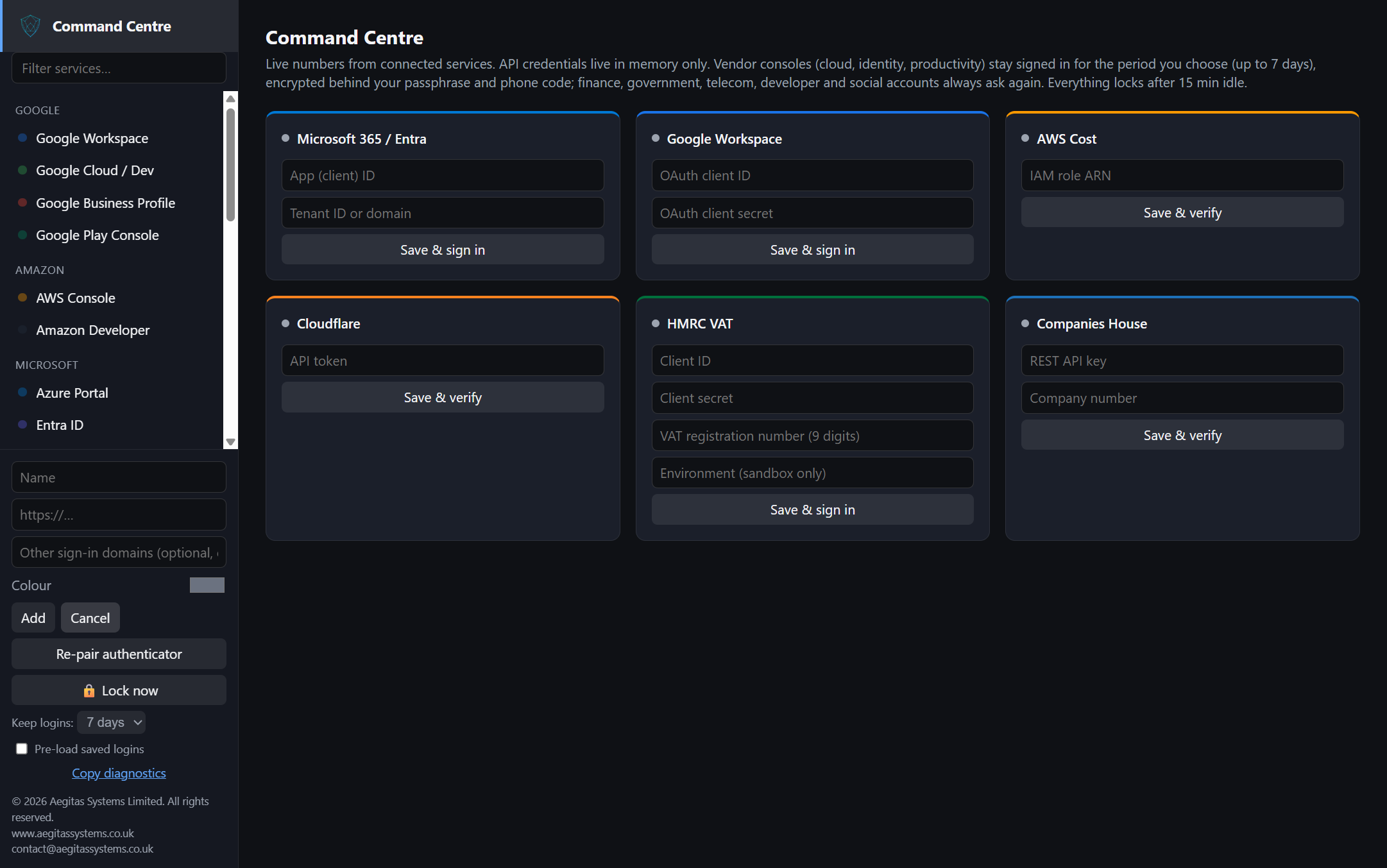
Built-in portals cover Google, Amazon, Microsoft, Cloudflare, finance and government services, developer platforms and social accounts. You can filter the list, and add your own services with a secure web address.
What you get in the pilot
- One locked workspace. Access to vendor portals and connected services sits behind a single lock.
- A separate session for each vendor. Each portal keeps its own isolated sign-in.
- Your organisation's identity. Sign in to supported business services with your existing identity provider.
- Status at a glance. Read-only summaries from connected services, such as user, licence and tax-return figures.
- Sessions that do not linger. Optionally stay signed in for Off, 1, 3 or 7 days, never longer, encrypted on your device. Closing a portal removes its kept session.
- One-click support report. Applies credential-redaction filters before copying a report for remote investigation. Filters may not catch every sensitive value; review the report before sharing it.
- Optional activity record. A sign-in record for support and diagnosis, not intended to store credentials. Off unless enabled and kept for at most seven days. Review diagnostic material for sensitive information before sharing it.
Who it is for
IT administrators
Solo admins and small IT teams who sign in to many vendor consoles every day.
Managed service providers
Technicians who need clean separation between vendors and accounts.
Small-business owners
Owners who run their own Google, Microsoft, HMRC and Companies House accounts and want them locked down.
Why trust it
- Signed installer. A Windows installer code-signed by the verified publisher, Aegitas Systems Limited.
- Checked on a clean machine. Installed and verified end to end on a clean Windows PC.
- Automated testing. Automated tests support development but do not guarantee complete security coverage.
- Credentials stay in memory. Connected-service credentials are held in memory only and cleared when the workspace locks.
- Hardened by default. Only the application's own window can request protected operations. Vendor portals are limited to secure web addresses and cannot request device permissions.
- Honest about assurance. This is a self-assessment against public guidance today, not a third-party certification. Independent security testing is planned after launch.
Designed with reference to the Open Worldwide Application Security Project (OWASP) Password Storage Cheat Sheet, US NIST Special Publication 800-63B, security guidance for desktop applications, and internet standards for multi-factor codes (RFC 6238) and sign-in from desktop applications (RFC 8252).
Data and governance
| Where data lives | On your own device, in your Windows account. No Aegitas service holds credentials, sessions or settings. |
|---|---|
| What is stored | The encrypted workspace (unlock factors, settings and any kept sign-ins), your portal list and non-secret connection settings. |
| What is not stored | Passwords for vendor portals, and keys or sign-ins for connected services. |
| Uninstalling | Keeps your workspace so a reinstall or upgrade unlocks it. Erasing is a separate, confirmed action. |
| Access control | Your organisation's own administrators decide who uses it. Connected services are accessed only with your organisation's permission, for the purposes you select. |
Join the pilot
A small number of organisations can use Aegitas Nullvault now, under pilot terms. Pilot feedback shapes the full release.
- Now: pilot open on Windows 10 or later (64-bit). Pilot builds still show the working name "Cross Vendor Management Platform".
- Late January 2027: full release targeted. Pricing and plans announced closer to launch.
- After launch: independent security testing, and more vendors guided by pilot demand.
Further technical and assurance detail is available under a separate agreement.
Important limitations
- Aegitas Nullvault is a management aid. It does not replace the security controls of the connected services.
- Organisations remain responsible for their own data protection, lawful basis and records.
- Windows only, with one workspace for each Windows user account. Vendors may change their sign-in pages, so not every portal has been tested with every type of account.
- No warranty is given beyond the terms agreed with the supplier.
- Vendor and service names are trademarks of their respective owners and are used only to identify the services. Aegitas Systems is not affiliated with them.
Questions? contact@aegitassystems.co.uk